 Create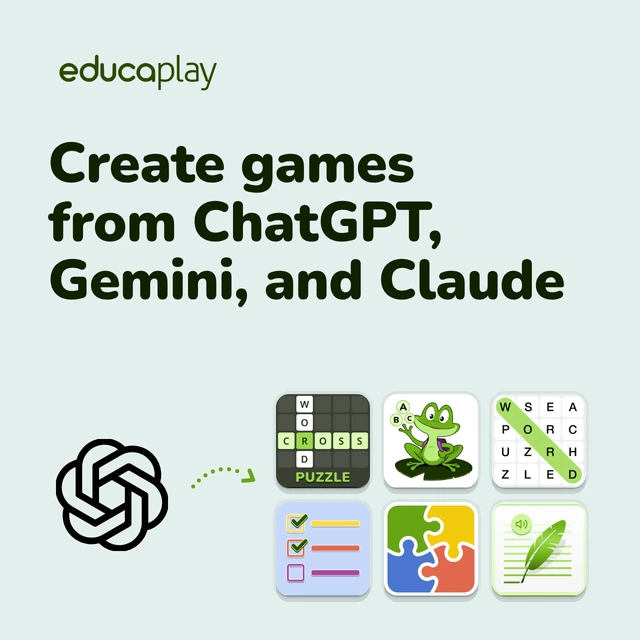
Educaplay now works in ChatGPT, Gemini, and Claude: Ask for the game without leaving the chat
Connect your account once and ask for the game in the chat where you already plan your lessons: Your assistant builds it and publishes it when you say so
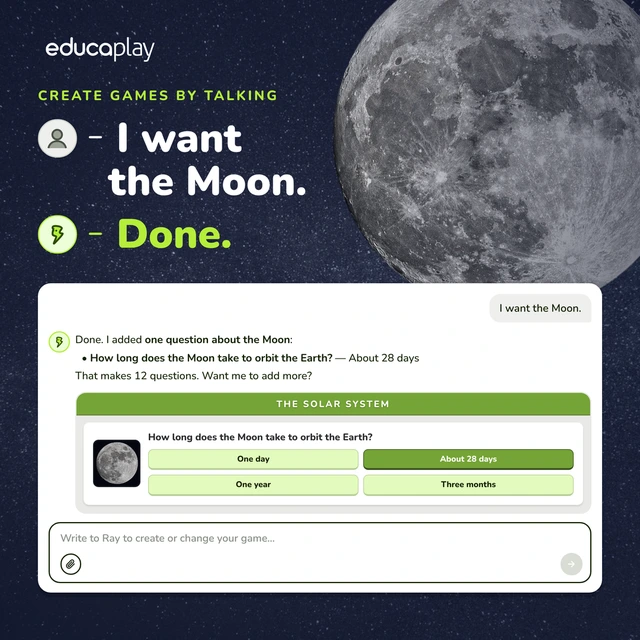
Create games by talking: Chat with Ray and ask for anything
One more question, a different level, images, voice or a crossword with the same content: Your AI assistant now does it all, and better
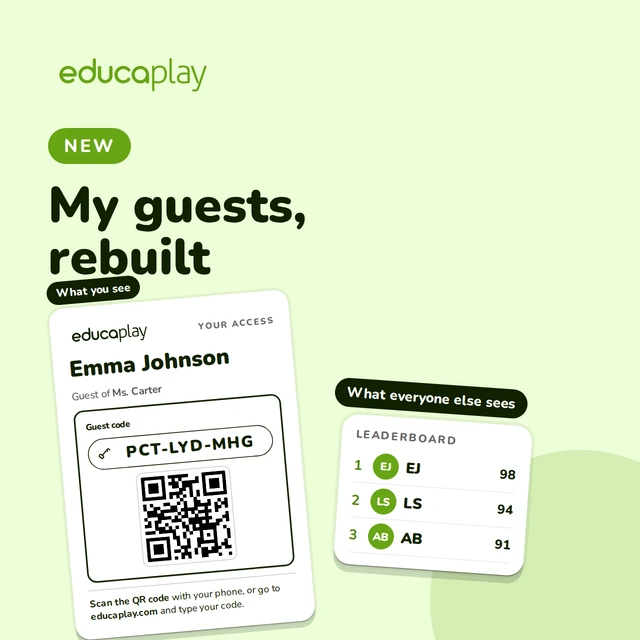
No email, no password: Know who’s playing and keep their names private
Add the whole class at once, groups, QR cards and games assigned to the right students: Student profiles with no account, run by you
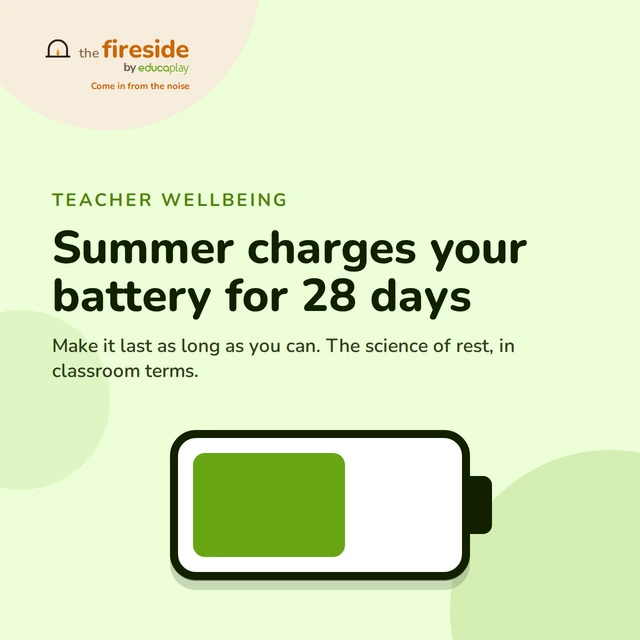
28 days of new battery: how to stretch your teacher recovery after the summer break
The lever that’s actually in your hands: truly switching off when you’re not in class.

Shared excitement: The Multiplayer Session that made the Spain–France wait fly by
Hundreds of people gathered around a giant screen to play in the build-up to the World Cup semifinal
Customize your games’ font: pick from 50+ typefaces or upload your own
Try the accessible OpenDyslexic font for free: Apply it to one game or all at once
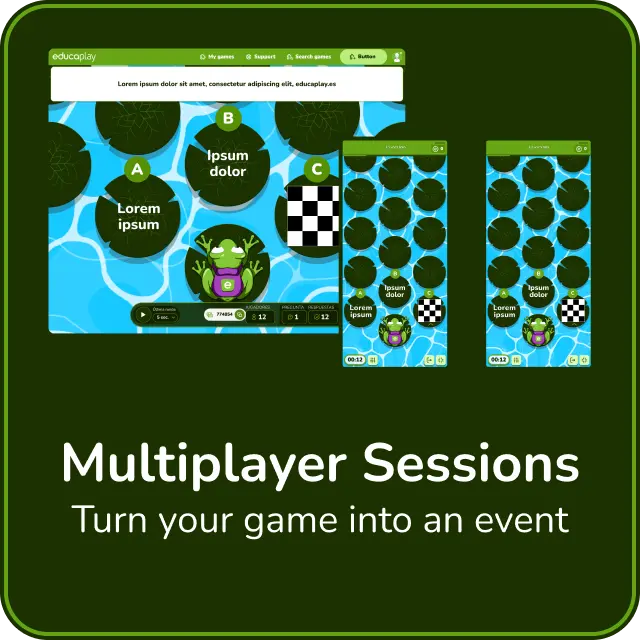
Multiplayer comes to Educaplay: Turn your game into an event
Your Froggy Jumps become live contests: You call the shots and everybody plays together
Let your games speak for you: you can now generate text-to-speech in Educaplay
Turn any text into speech and make your activities more accessible and dynamic