Create
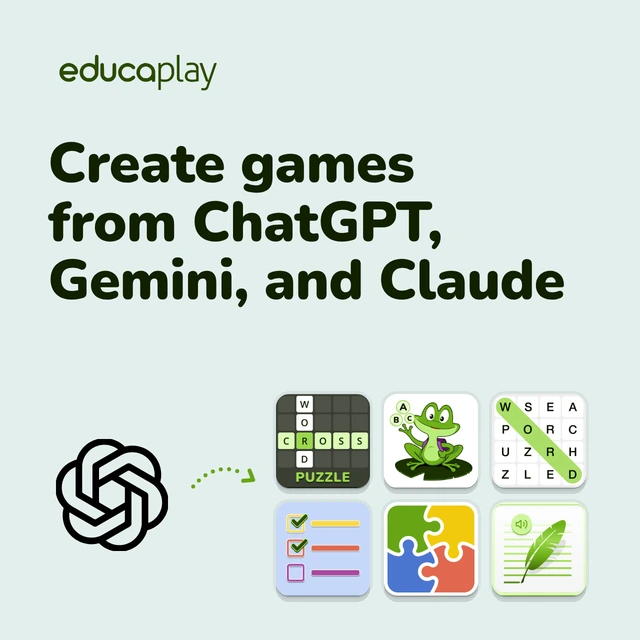
Educaplay now works in ChatGPT, Gemini, and Claude: Ask for the game without leaving the chat
Connect your account once and ask for the game in the chat where you already plan your lessons: Your assistant builds it and publishes it when you say so
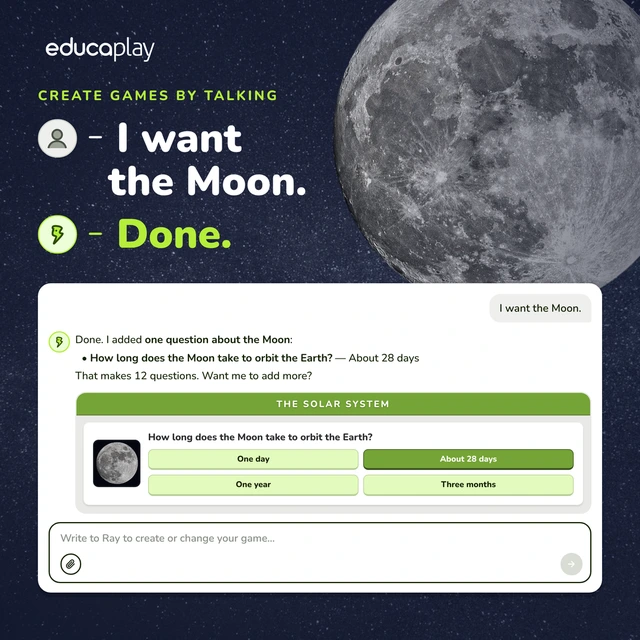
Create games by talking: Chat with Ray and ask for anything
One more question, a different level, images, voice or a crossword with the same content: Your AI assistant now does it all, and better
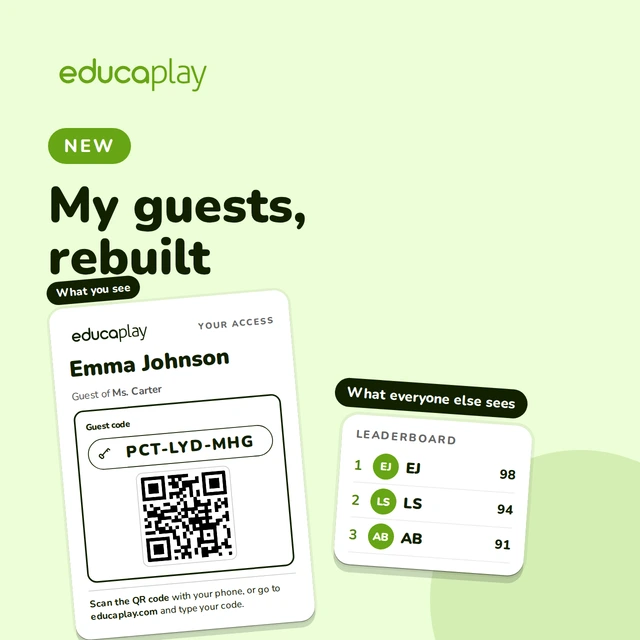
No email, no password: Know who’s playing and keep their names private
Add the whole class at once, groups, QR cards and games assigned to the right students: Student profiles with no account, run by you
28 days of new battery: how to stretch your teacher recovery after the summer break
The lever that’s actually in your hands: truly switching off when you’re not in class.

Shared excitement: The Multiplayer Session that made the Spain–France wait fly by
Hundreds of people gathered around a giant screen to play in the build-up to the World Cup semifinal
Customize your games’ font: pick from 50+ typefaces or upload your own
Try the accessible OpenDyslexic font for free: Apply it to one game or all at once
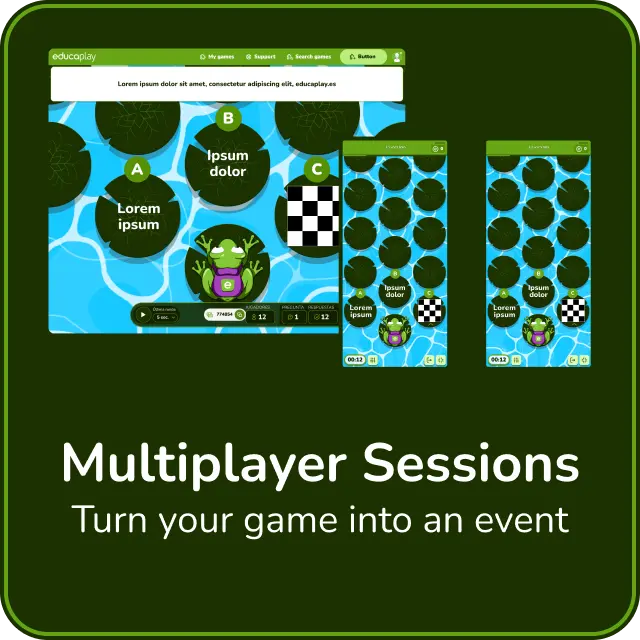
Multiplayer comes to Educaplay: Turn your game into an event
Your Froggy Jumps become live contests: You call the shots and everybody plays together
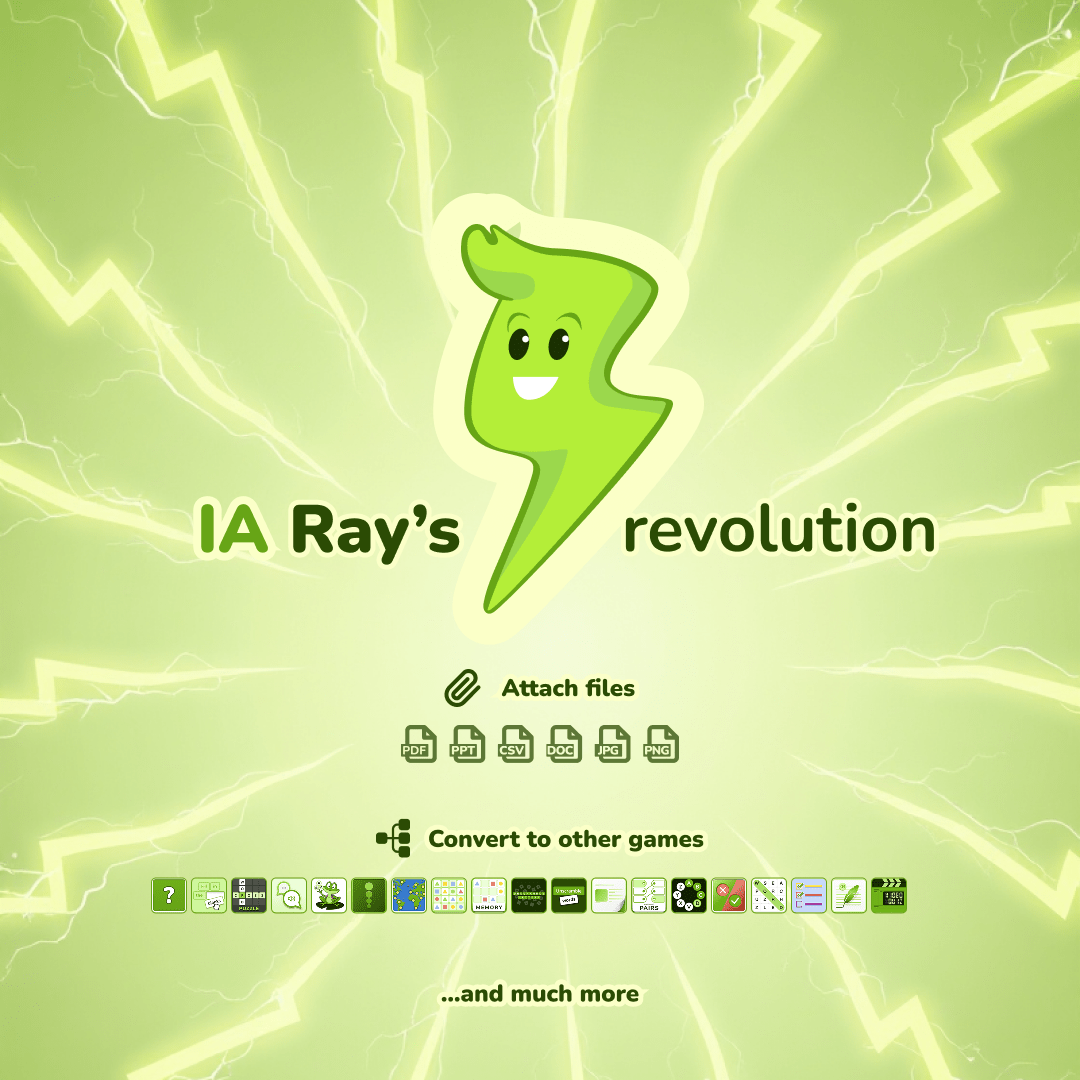
Ray Revolution: your AI now turns a PDF or a Word Search into a Crossword
Create custom games and import all your questions at once instead of one by one
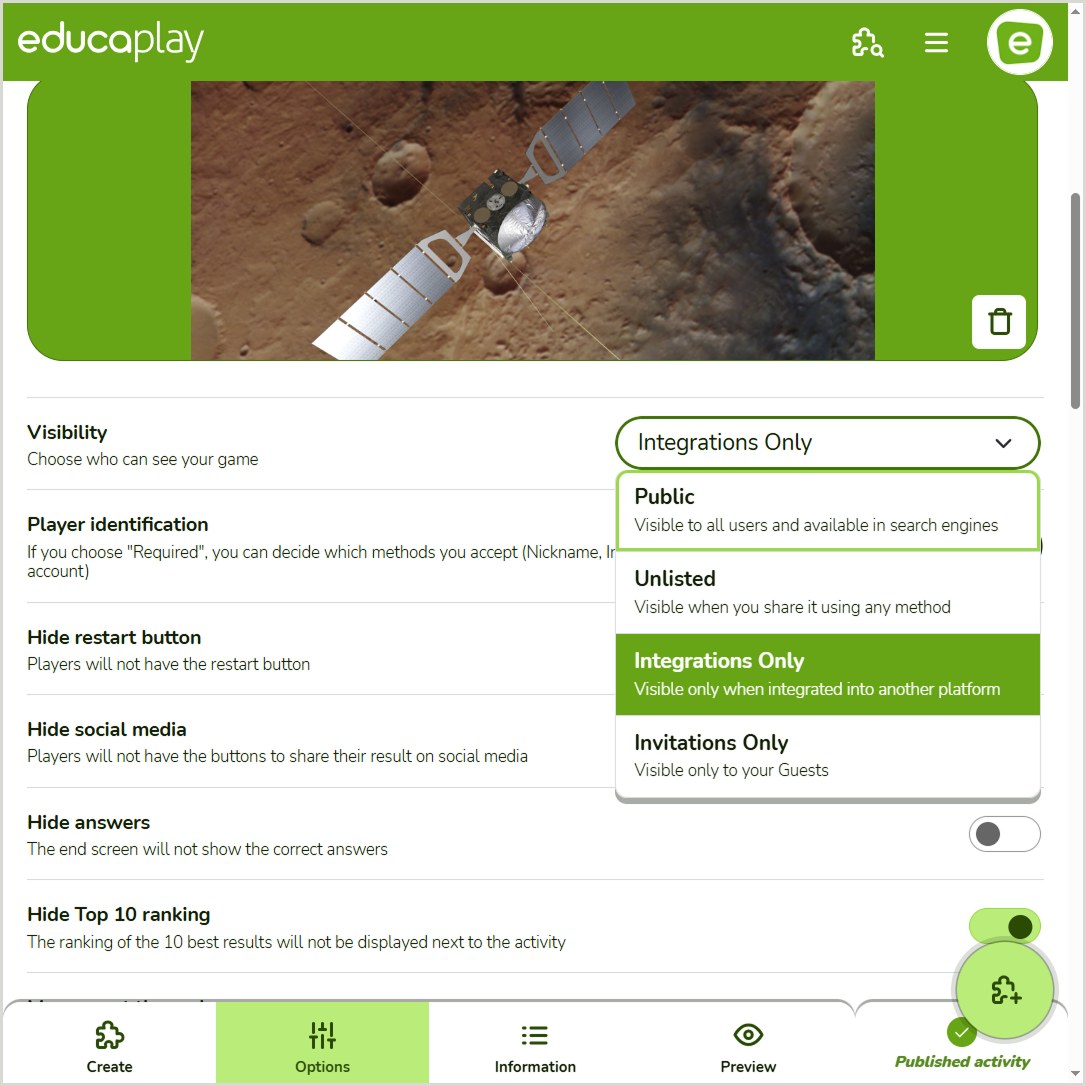
New Visibility options for your games: Integrations Only and Invitations Only
We’ve also added the option to Unpublish a game for as long as you want

Organize and share groups of games with Lists
Your players can access several of your creations with a single link or QR code
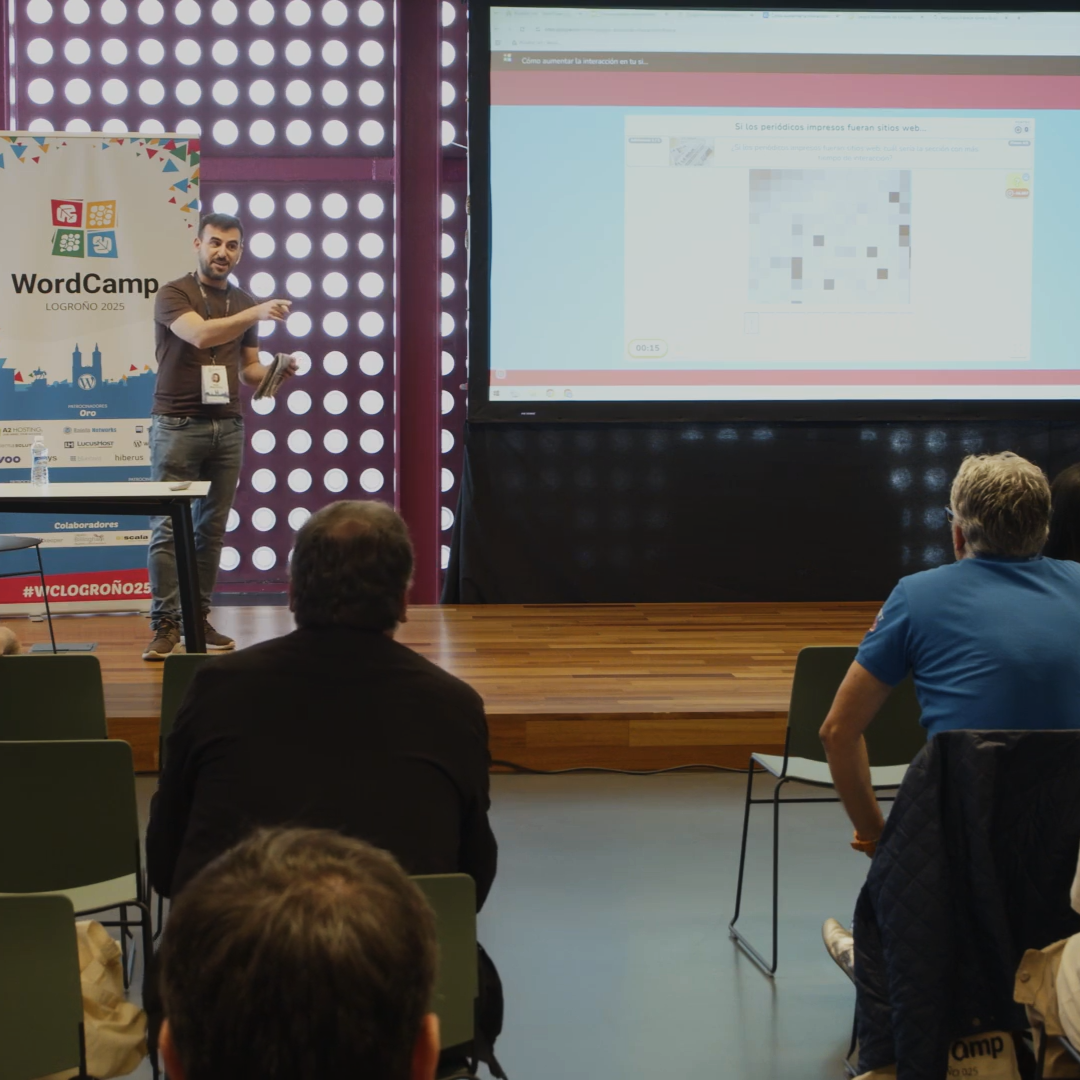
Educaplay launches its plugin to integrate games into WordPress
The plugin premiered at the first-ever WordCamp Logroño, sponsored by our platform
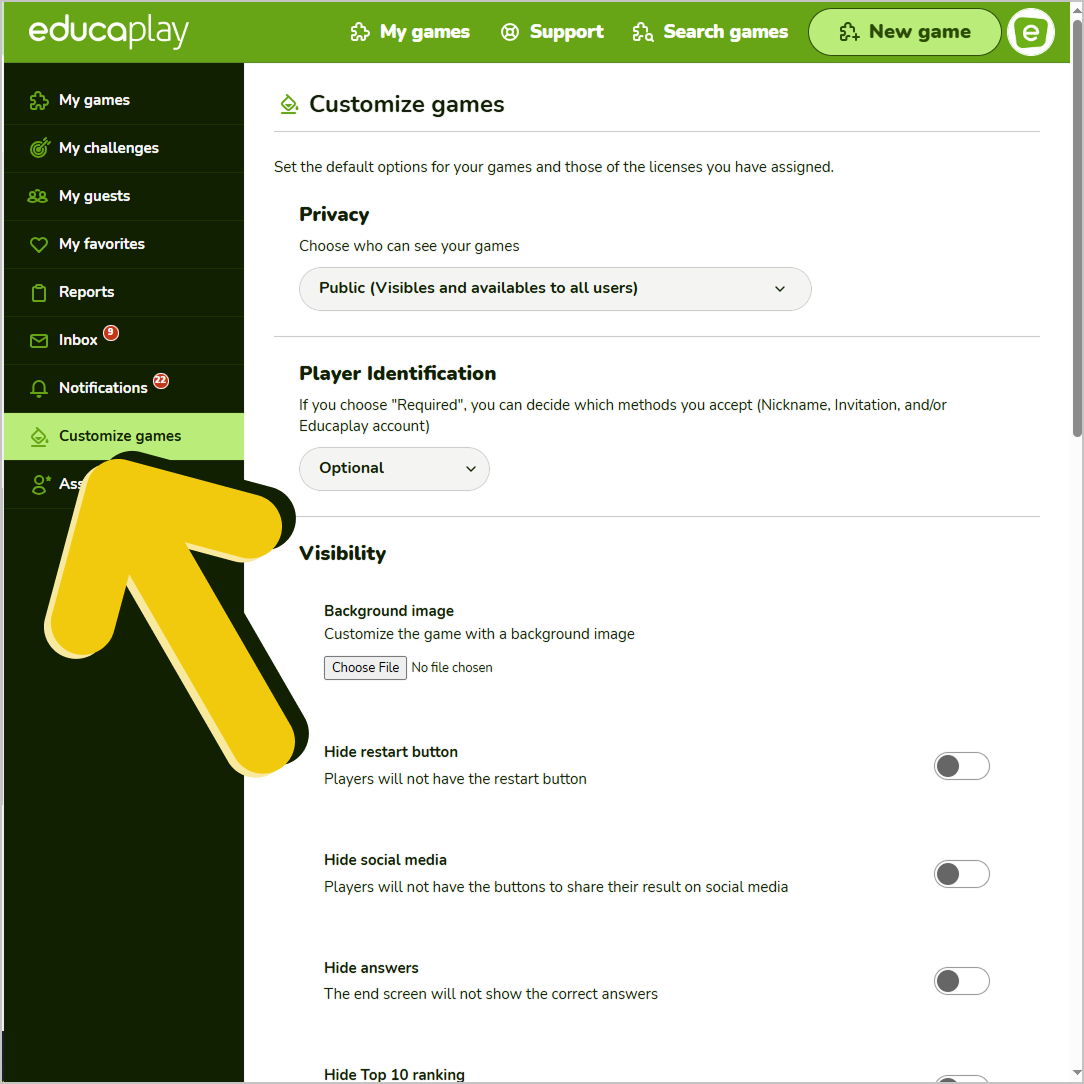
Customize Games: a new dashboard to rule them all
You’ll no longer waste time adjusting advanced options for each game

New! Choose how your players identify themselves
You can now remove the ‘Click here to identify yourself’ button too

Line Up: Your new game for ordering lists of items
Your players will learn to arrange events chronologically, cities by population size, or whatever you need!

New Dictation with Ray and audio generator: easier to create than ever
You can now create a Dictation with multiple screens, allowing you to build a more dynamic game for your players

Thank you ISTE 2024 for helping us grow
We come back from Denver happy for the “wows” and grateful for the feedback